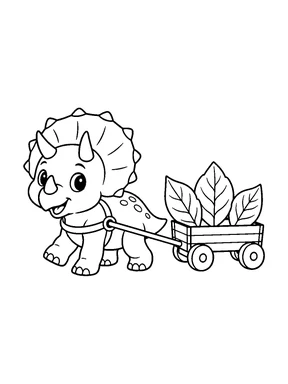
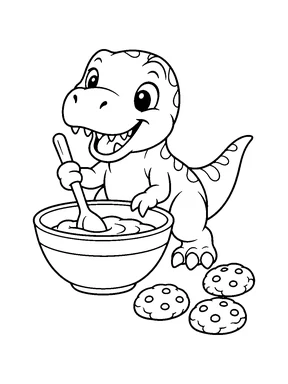
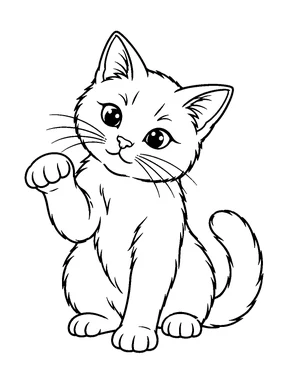
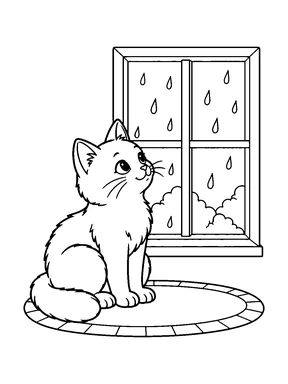
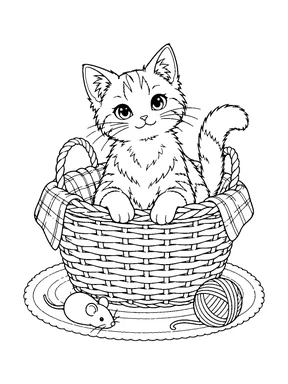
Cat in a Woven Basket Coloring Page
medium · teens · A4 & US Letter
A cat in a spacesuit? A garden full of dragons? Put your idea on a coloring page, or choose a drawing from the library and head straight to the printer.
Browse the drawings by theme, then choose the amount of detail you want.
medium · teens · A4 & US Letter
medium · teens · A4 & US Letter
medium · teens · A4 & US Letter
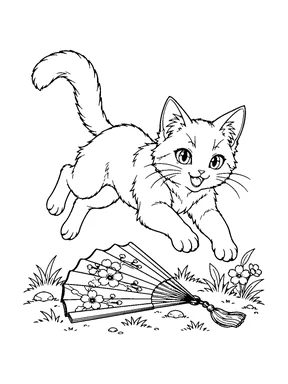
medium · teens · A4 & US Letter
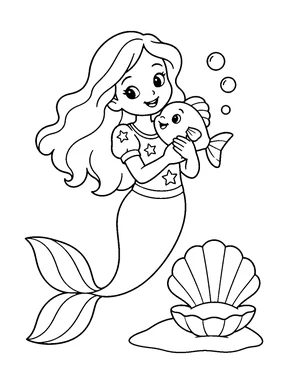
easy · kids · A4 & US Letter
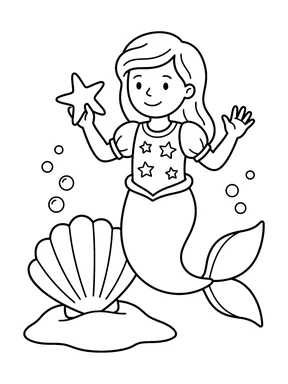
easy · kids · A4 & US Letter
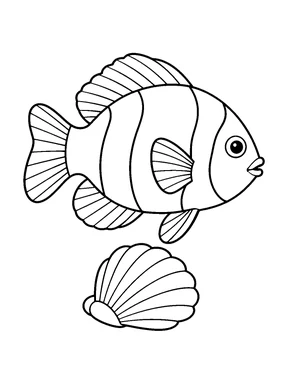
easy · kids · A4 & US Letter
easy · kids · A4 & US Letter
Printable coloring book
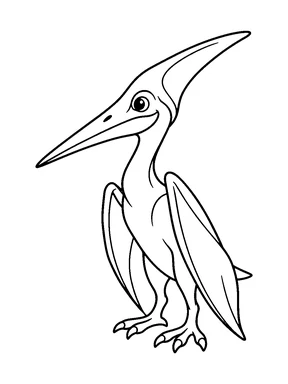
Cute Dinosaur Coloring Book

12 drawings collected in a PDF
Printable coloring book
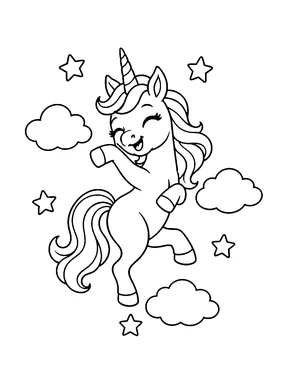
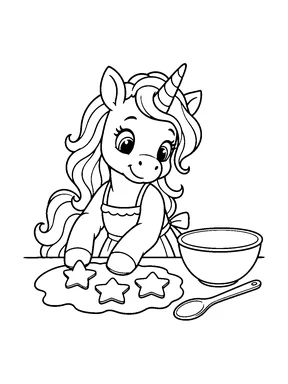
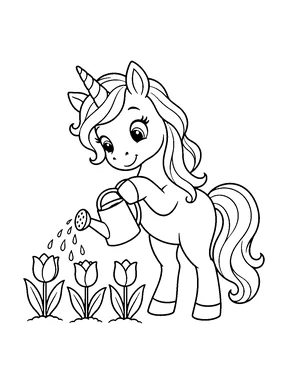
Cute Unicorn Coloring Book

12 drawings collected in a PDF
Printable coloring book
Cute Cat Coloring Book

12 drawings collected in a PDF
Printable coloring book
Easy Cat Coloring Book

12 drawings collected in a PDF
Name the subject, the setting and a few details. AI turns that description into a drawing you can print.
Give it a try
Upload a pet portrait or a familiar place and turn the picture into an outline drawing.
Give it a try
Set a name in hollow lettering, then download the page. This tool runs in your browser and uses no credits.
Give it a try
Give a line drawing a palette before printing. Choose a finish and keep the original outlines.
Give it a try
Look at the drawing first. Then choose the file for your paper and leave the rest of the session for coloring.
Open a preview and check the shapes. Broad, uncluttered areas suit a quick session; small repeated details give you more to work on.
Use the A4 file for A4 stock or the Letter file for US Letter stock. Both versions contain the same drawing, laid out for that sheet.
Use Actual size in the print dialog when the file matches your paper. Inspect the edges on your first copy before printing for a group.
There are 89 published pages to explore. Difficulty and audience labels help narrow the list; the preview tells you whether the spaces feel comfortable.
Look for a single recognizable subject with large enclosed areas. A short, open drawing gives someone new to coloring room to experiment.
Let children choose a subject from the same collection. Print individual pages for a lesson, a club session or a quiet activity at home.
Choose repeated petals, patterned wings or a busier scene when you want to spend more time on shading and small changes in color.
Adults can choose broad outlines too. Pick a drawing that fits your energy today, whether that means a few large shapes or many tiny ones.
You can compare previews before downloading. No page becomes more suitable just because it has a higher difficulty label.
Subjects to look through: Unicorn Coloring Pages, Dinosaur Coloring Pages, Cat Coloring Pages.
Public drawings are made with AI assistance and reviewed before release. The preview lets you inspect the subject, outlines and empty spaces before downloading.
Single drawings include PDFs laid out for A4 and US Letter. PNG is available too; sign in for the editable SVG format.
The free library files have no watermark. A subscription changes your download allowance; it does not unlock a sharper version of the same public drawing.
Public drawings are for noncommercial personal and group activities, including classrooms. Selling the files or offering them as your own download collection is outside that license.
Try a subject, an action and one setting: a fox carrying a lantern through a garden. Choose the style, page shape and quality in the workbench; the result stays on this page so you can inspect it before downloading.
Standard uses 1 credit per finished page; High uses 2. High requires an active membership or available purchased credits. Visitor trials are Standard only, and technical failures return the reserved allowance. Generated pages include a PNG and print PDFs for both paper sizes.
The library also has 4 published coloring books. Open a book to inspect its pages, then choose the paper size for the combined PDF. A free account can download 1 book per day.
Visitors have a daily allowance of 5 single-page downloads, with human verification. A free account raises this to 20 and includes 1 book PDF per day. Active members have unlimited public-library downloads. PDF and PNG are available to visitors; SVG requires sign-in.
They are separate. The text generator charges 1 credit for Standard or 2 for High when it delivers a page. A visitor can try Standard 2 times per browser, subject to the daily network limit and a human check. High needs membership or purchased credits.
A new account normally starts with 2 credits. If you have already used the visitor trials, registration does not add another trial allowance. The workbench shows the offer that applies to you.
Public-library artwork is for noncommercial use, including your own classroom or group. Private AI results made during a paid membership may be used commercially under the site license. A credit pack alone does not grant that membership license. Read the License page for the full terms.
The public library contains AI-assisted drawings reviewed for release. Pages you upload or create stay private and are never automatically added to that library. AI may interpret a description differently from what you intended, so inspect the result before printing.
A technical failure releases the reserved credits or visitor try. You will see the reason and a way to try again. A completed drawing that differs from your expectations is not the same as a failed task.
5 page downloads each day
PDF or PNG after a human check
20 pages and 1 book each day
Sign-in also gives access to SVG files
Unlimited public-library downloads
AI creation uses a separate credit balance
The same unwatermarked drawings are available at every level. See Pricing for credit and membership options.
Choose a recurring credit allowance with library membership, or buy credits for an occasional project.
Bring a small idea to the workbench. A subject and a setting are enough to begin.
Go to the page generator